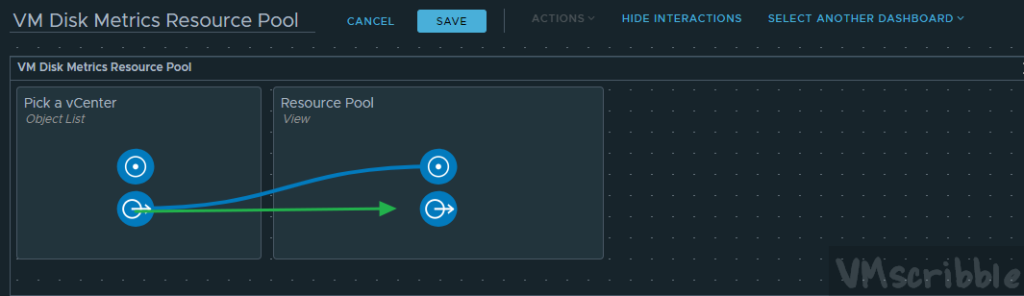
Create a Dashboard. Visualize / Dashboards / Create
Drag “Object List” and “List” View.
Object List
Edit the name to “Pick a vCenter”
Self Provider – On
Input Data – Objects – Added 3 vCenter.
Back on the widget screen, click on the lower left icon and only check off the “Name” to keep the widget clean.
New List view
Edit the name. Ex. Resource Pool
Search for the View from the last section.
Show Interactions
Drag the “Pick a vCenter” icon to the Resource Pool.
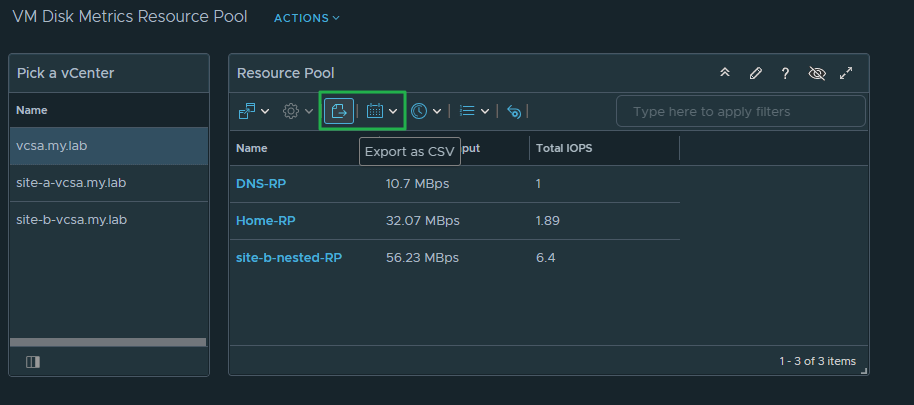
When you pick the vCenter, the View is filled in with the metrics in scope.
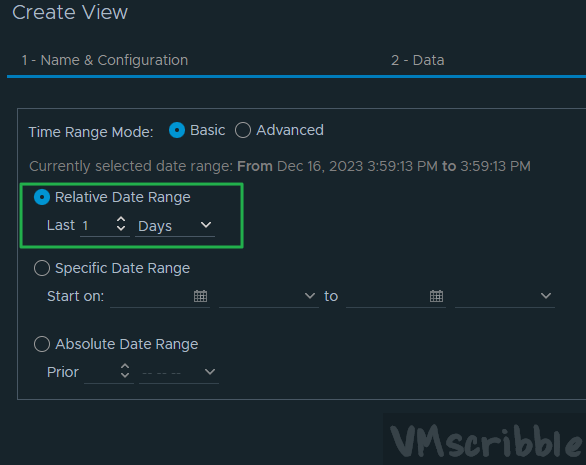
You can export the metrics to a CSV and change the time frame.
Since this is a View, report an be created each day/week/month depending on the use case.